
Creating a PaperScorer Account
This article walks through creating a PaperScorer account for use with both the mobile app and the web app, and explains what’s included in a free account versus a Teacher Pro upgrade.
The mobile app is a tool for getting scanned sheets into PaperScorer. You’ll need a PaperScorer web app account for everything else — creating assessments, managing classes, reviewing results, and so on.
Creating an Account
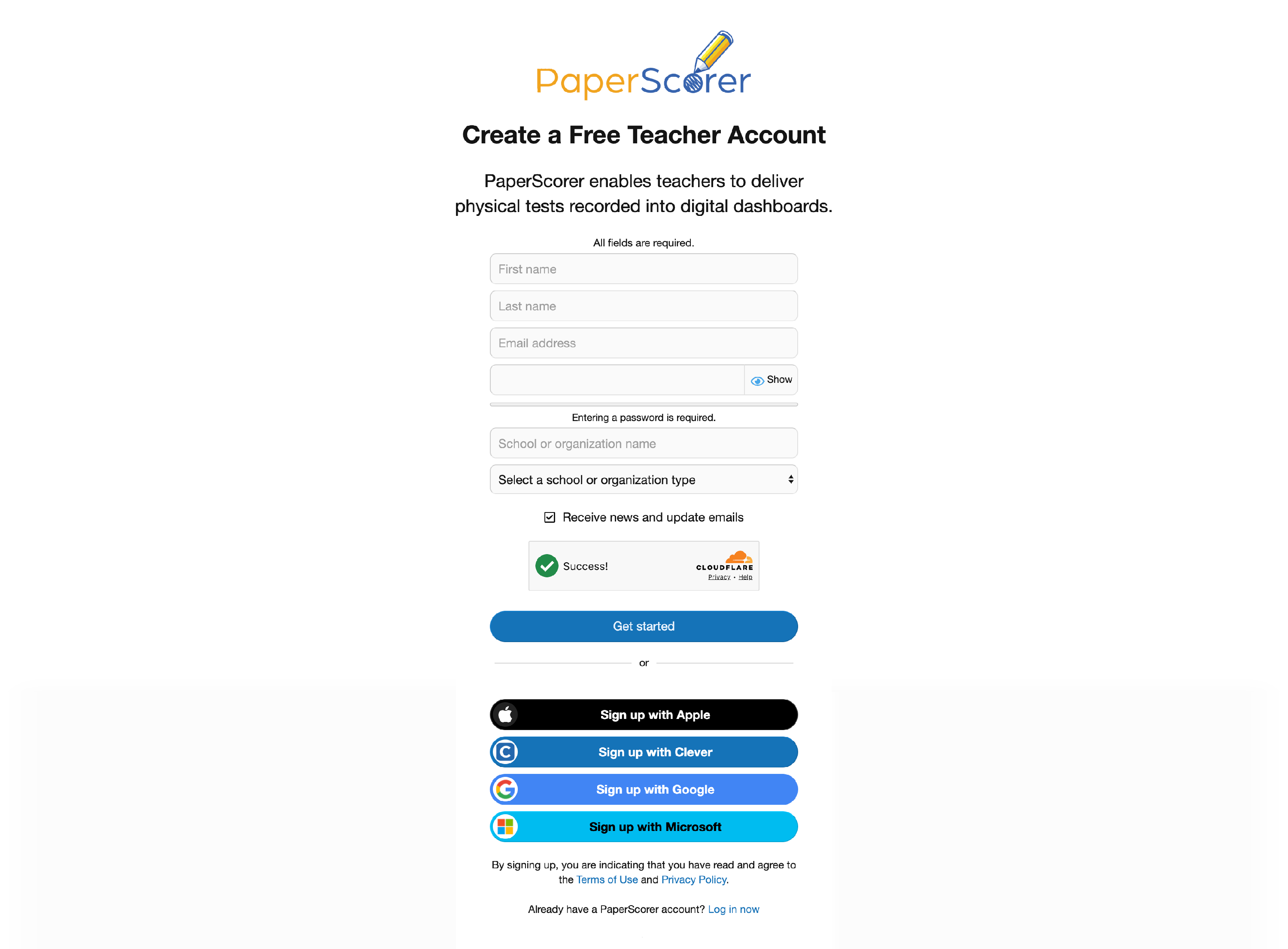
Creating a PaperScorer account takes about a minute. Visit the registration page and choose your sign-up method:
- Sign up with email. Fill in your name, email address, and a password. You’ll receive a confirmation email to verify the address before your first sign-in.
- Sign up with Google. Click the Google option and select your Google account. PaperScorer will create your account using your Google profile information — no password to remember.
What You Can Do After Signing Up
Once your account is set up, you can:
- Create assessments
- Print testing sheets
- Review scanned sheet data and results
- Sign in to the mobile app with the same credentials
- Connect Google Classroom to import classes and sync grades
Free vs. Teacher Pro
A PaperScorer account is free, and lets you use the core feature set: classes, assessments, scanning, basic grading, and Google Classroom sync. Teacher Pro adds higher limits and a few power-user features.
| Feature | Free | Teacher Pro |
|---|---|---|
| Create classes & assessments | ✓ | ✓ |
| Scan via mobile, bulk upload, or email | ✓ | ✓ |
| Google Classroom integration | ✓ | ✓ |
| Educational standards alignment | — | ✓ |
| Performance bands | — | ✓ |
| Rubrics | — | ✓ |
| Higher monthly scan limits | — | ✓ |
You can upgrade to a Teacher Pro account at any time — existing data and settings stay; the new features just become available.
Frequently Asked Questions
Do I need a school-issued email to sign up?
No. PaperScorer accounts work with any email address — personal or work. If you sign up with a personal address and later want to switch, you can change your email from the account settings page.
I created my account with email — can I switch to signing in with Google later?
Yes. From your account’s Connected accounts page, you can link a Google account and start using it for sign-in.